 RateRun
Managing Clients in RateRun: Contacts, Currencies, and Tax Settings
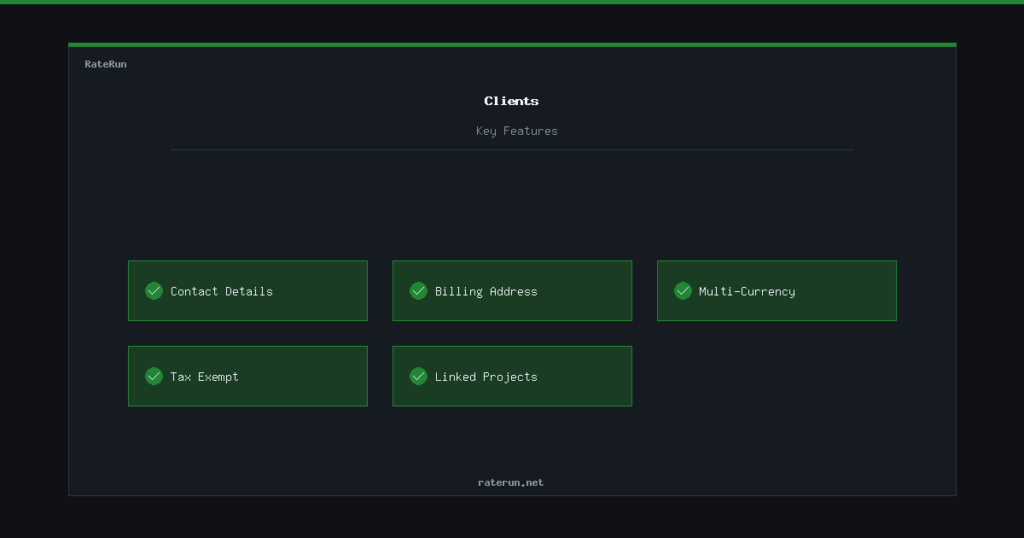
Every freelance project starts with a client. Before you can track time, send an invoice, or log income, you need somewhere to store the people you work with — their name, email, billing address, currency, tax settings. That is what the Clients page is for.
Adding a new client
Hit the Add Client button and fill in the basics: name, email, phone, and company. You can also add a billing address — this gets pulled into your invoices automatically, so you only enter it once.
Every client gets their own card in the list. You can see at a glance who they are, what currency they bill in, and whether they have any active projects.
Add your first client in under a minute
Name, email, billing details — everything in one place.
Setting the right currency
If you work with international clients, currency matters. Each client in RateRun has a default currency — USD, GBP, EUR, AUD, or CAD. When you create a project for that client, the currency carries over automatically.
This means your invoices, timer earnings, and dashboard stats all show the correct currency without you having to think about it. No more manually converting between dollars and pounds.
Tax-exempt clients
Some clients do not need tax added to their invoices — charities, overseas clients under reverse charge rules, or businesses in tax-free jurisdictions. Instead of remembering this every time you create an invoice, you can flag a client as tax exempt on their profile.
When you generate an invoice for a tax-exempt client, RateRun skips the tax calculation automatically. It is a small detail that saves you from embarrassing correction emails.
Bill internationally without the headaches
Multi-currency support and tax-exempt flags — built in.
How clients connect to everything else
Clients are not just a contact list. They are the thread that ties your entire workflow together:
- Projects — every project belongs to a client, with its own hourly rate and currency
- Timer — when you start the timer, you pick a client and project first
- Invoices — client details (name, email, address, tax status) auto-fill on every invoice
- Dashboard — your dashboard breaks down earnings by client so you can see who pays the most
Set up a client properly once, and everything downstream just works.
Clients feed into projects, timers, and invoices
Enter the details once. Use them everywhere.
Keeping things tidy
Over time you will build up a list of clients — some active, some from years ago. The client list is searchable, so finding someone takes seconds even if you have dozens of entries.
If a client relationship ends, you can leave them in the system. Their historical data (tracked time, invoices, payments) stays intact for your records. Nothing gets lost.
Your client history, always available
Search, filter, and revisit any client — past or present.