 RateRun
Projects and Hourly Rates in RateRun: Set Once, Bill Everywhere
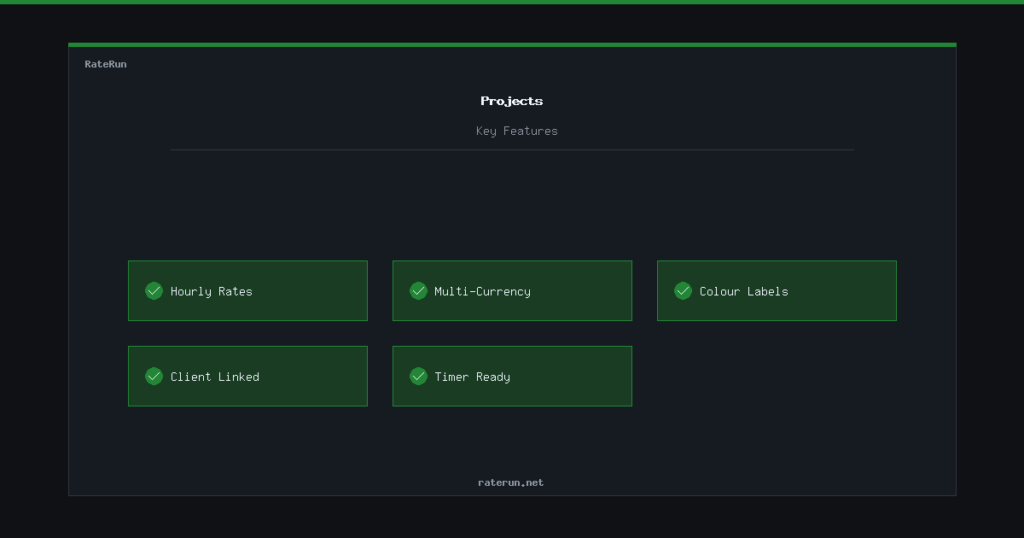
Projects are the link between your clients and your actual work. Each project has its own hourly rate, currency, and colour label — so when you start the timer or create an invoice, everything is already set up correctly.
Creating a project
Head to the Projects page and hit Add Project. Give it a name, pick the client it belongs to, and set an hourly rate. That is all you need to get started.
The currency is inherited from your client by default, but you can override it per project if needed. Handy when the same client has work billed in different currencies.
Set it up once, use it everywhere
Your project rate flows into the timer, invoices, and dashboard automatically.
Hourly rates that follow you
This is the key idea behind projects. When you pick a project in the timer, the hourly rate auto-fills. When you pull unbilled time into an invoice, the rate is already there. When your dashboard calculates your billable value, it knows the rate.
No more typing “$85/hr” into three different places. Set the rate on the project, and it ripples through your entire workflow.
If a client agrees to a new rate, update the project and all future sessions use it. Past sessions keep their original rate, so your records stay accurate.
Multi-currency support
RateRun supports five currencies: USD, GBP, EUR, AUD, and CAD. Each project carries its currency, which means you can have one client billed in dollars and another in pounds without any confusion.
Your dashboard keeps each currency separate — no dodgy conversions. If you earned $2,000 USD and £1,500 GBP this month, you see both figures clearly.
Colour-coded labels
Each project can have a colour label. It might seem like a small thing, but when you have a list of 15 projects, colour makes scanning instant. Red for urgent client work, blue for retainer projects, green for side gigs — whatever system makes sense to you.
The colour shows up in your project list and makes it easy to spot what you are looking for without reading every name.
How projects connect to the rest of RateRun
Projects sit at the centre of the app:
- Timer — pick a project to start tracking, and the rate + currency auto-fill
- Invoices — pull unbilled sessions by project into an invoice
- History — filter your timer sessions by project to see total hours spent
- Dashboard — your dashboard shows earnings broken down by project
Projects tie your work together
Rates, currencies, and labels — organised from the start.