 RateRun
Creating Invoices in RateRun: From Tracked Time to Paid
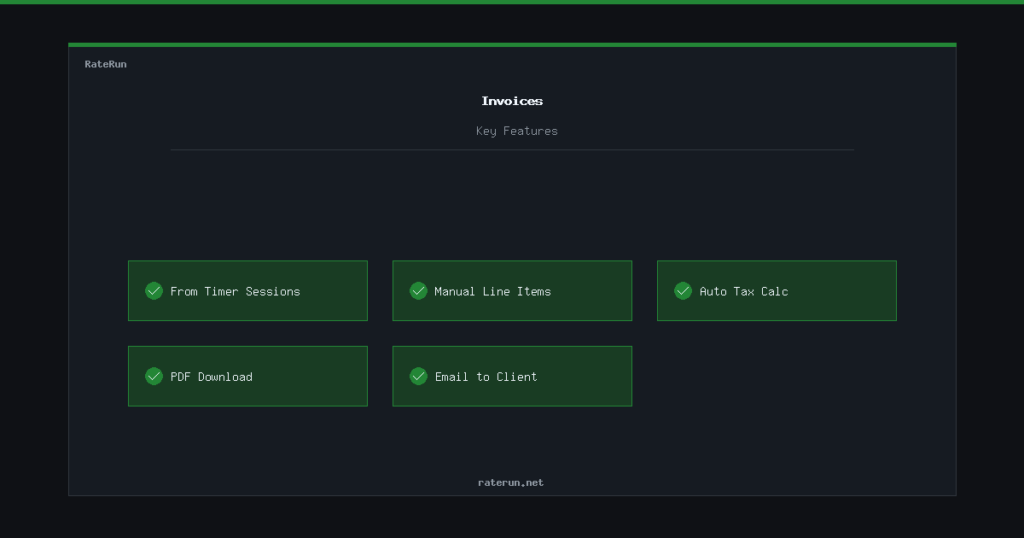
Getting paid is the whole point. The Invoices page in RateRun lets you turn tracked time into professional invoices, add manual line items, generate PDFs, and email them to clients — all without leaving the app.
Invoicing from tracked time
This is the fastest way to bill. When you create a new invoice and pick a client, RateRun shows you all their unbilled timer sessions. Tick the ones you want to include, and the invoice builds itself — descriptions, hours, rates, and totals.
Once those sessions land on an invoice, they get marked as billed in your timer history. No double-billing, no guesswork about what has been invoiced and what has not.
Track time. Click invoice. Get paid.
Unbilled sessions turn into invoices in seconds.
Manual line items
Not everything is billed by the hour. Maybe you are charging a flat fee for a logo, a one-off consultation, or a monthly retainer. You can add manual line items to any invoice — just type in a description, quantity, and unit price.
You can mix tracked time and manual items on the same invoice. Bill 10 hours of development plus a flat-rate hosting setup fee — one invoice, one PDF, one email.
Tax handling
RateRun calculates tax automatically based on the rate you set in your settings. If a client is flagged as tax exempt, the tax line disappears. No overrides needed, no manual corrections.
The invoice shows subtotal, tax amount, and total clearly — exactly what your client expects to see.
Professional invoices, zero fuss
Tax calculated automatically. Tax-exempt clients handled.
PDF generation
Every invoice can be downloaded as a PDF. The layout is clean and professional — your business name, client details, line items, tax, and total. It is ready to attach to an email or save for your records.
The PDF pulls in your client billing address and your own business details from settings, so there is nothing to fill in manually each time.
Emailing invoices
Once your invoice is ready, you can send it directly to your client from RateRun. Hit Send, and the invoice is emailed as a PDF attachment to the client email address on file.
No downloading, no switching to Gmail, no attaching files. Write it, review it, send it — all in one place.
Create, download, or email — your choice
PDF invoices sent directly to clients from the app.
Tracking payment status
Each invoice has a status: draft, sent, paid, or overdue. When a client pays, mark the invoice as paid and the amount flows into your income log and dashboard.
You can filter invoices by status, client, or date range — making it easy to chase unpaid invoices or review your billing history at tax time.
Know what is paid and what is not
Invoice statuses keep your cash flow clear.