 RateRun
Tracking Expenses in RateRun: Know What You Actually Earn
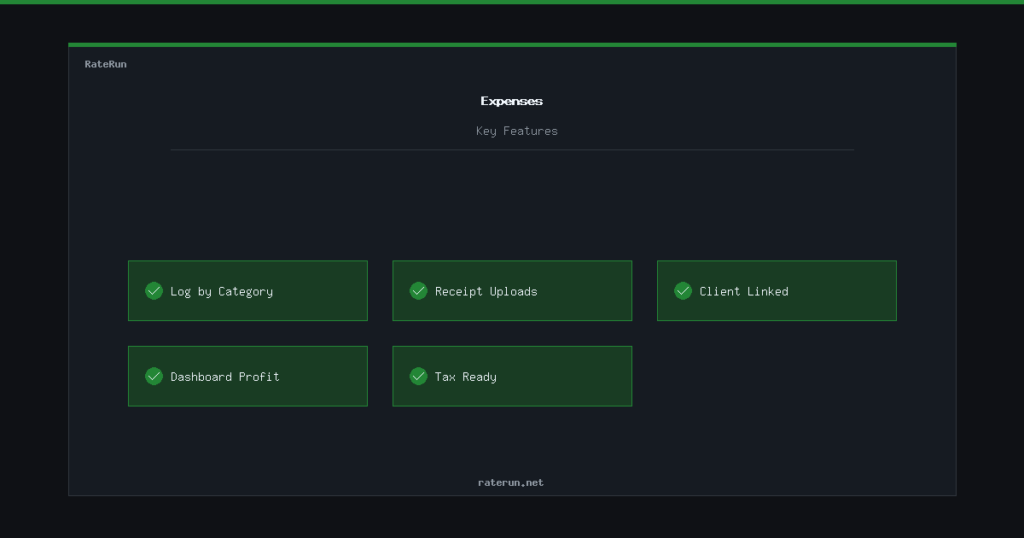
Revenue is only half the picture. If you are not tracking what you spend, you do not actually know how much you are making. The Expenses page gives you a simple way to log costs so you can see your real profit.
Logging an expense
Adding an expense takes seconds. Pick a category, enter the amount, add a short description, and save. That is it. You can optionally link it to a client if the cost is project-specific — useful for things like stock photography or domain registrations you are billing back.
Every expense shows up in a filterable list with the date, category, amount, and description. You can search by keyword or filter by date range to find anything quickly.
Expense categories
RateRun comes with five built-in categories: Software, Hardware, Travel, Marketing, and Other. These cover the most common freelancer costs without overcomplicating things.
Categories make it easy to see where your money is going. Spending too much on software subscriptions? The numbers will tell you. Need to total up travel costs for a tax return? Filter by Travel and you have your answer.
Receipt uploads
On the Pro plan, you can attach a digital receipt to any expense. Snap a photo of the receipt or upload a PDF, and it is stored alongside the expense entry. No more shoeboxes of paper receipts or folders of random screenshots.
When tax time comes around, everything is in one place — the expense, the category, the amount, and the receipt.
Receipts attached, records sorted
Upload receipts with Pro — no more paper shoeboxes.
Expenses meet your dashboard
Your expenses feed directly into the dashboard. When you log a cost, your profit margin adjusts in real time. Combined with income from paid invoices and your income log, you get a clear picture of what you are actually taking home.
This is especially powerful on the monthly and yearly dashboard views. You can see trends — are expenses creeping up? Is your profit margin shrinking? The numbers do not lie.
Revenue minus expenses equals reality
Your dashboard shows the full picture when expenses are tracked.