 RateRun
RateRun Settings and Billing: Configure Your Account
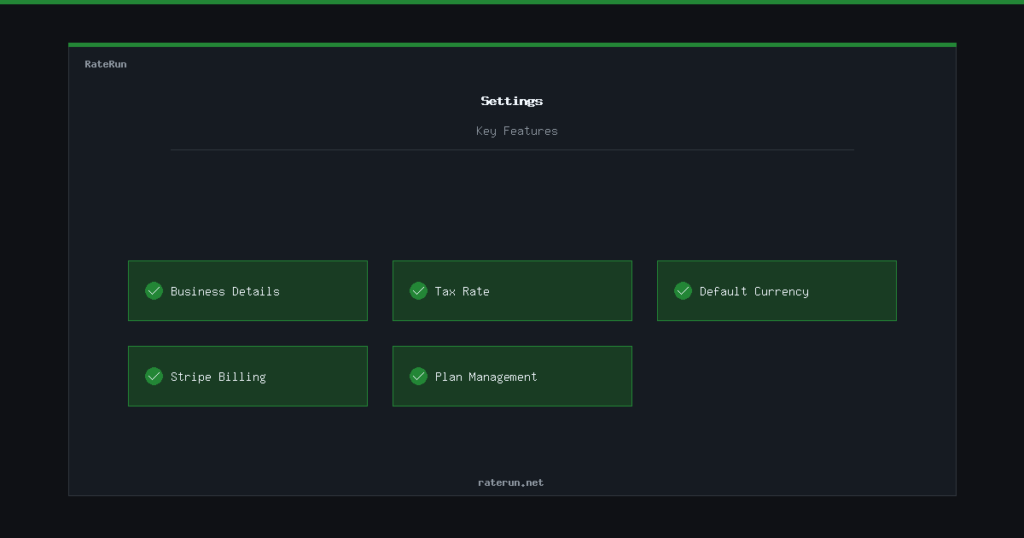
The Settings page is where you configure your RateRun account — your business details, tax rate, default currency, and subscription plan. Set it up once and everything else in the app uses those defaults.
Business details
Your business name, address, and contact information are used on your invoices. Fill these in once and they auto-populate every time you create a new invoice — no copy-pasting from a template.
If you trade under a different name or need to update your address, change it in settings and all future invoices use the new details. Past invoices keep their original information for your records.
Your details, everywhere they need to be
Business name, address, and contact info flow into every invoice.
Tax rate and currency
Set your default tax rate (e.g. 20% VAT) and it gets applied to all invoices automatically — unless the client is tax exempt. You can also set your default currency, which carries through to new projects and the dashboard.
If you work in multiple currencies, the default is just a starting point. Each project can override it as needed.
Managing your subscription
RateRun has three plans: Free, Cloud, and Pro. You can view and manage your current plan from the settings page.
- Free — core features, limited storage
- Cloud — everything in Free plus claiming directory listings, more storage
- Pro — everything in Cloud plus receipt uploads, gallery photos, accent colours, priority support
Upgrades and downgrades are handled through Stripe. Your subscription status is visible on the settings page at all times, along with your next billing date.
Pick the plan that fits your workflow
Free to start. Upgrade when you need more.
Payment safety
All payments are processed securely through Stripe — RateRun never sees or stores your card details. If a payment fails, you get a grace period and an email notification before anything changes on your account.
RateRun also runs a daily check on all active subscriptions to make sure statuses stay in sync with Stripe. If something goes wrong on either side, it gets caught and corrected automatically.
Secure payments, no surprises
Stripe-powered billing with automatic status checks.