 RateRun
Using RateRun on Your Phone: The Mobile Experience
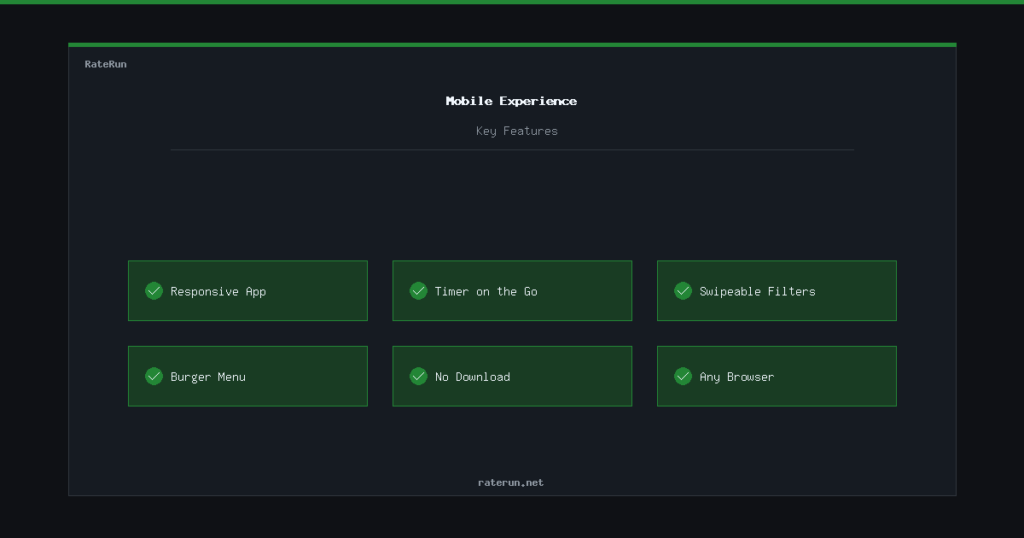
RateRun works on your phone. No app store download, no separate mobile app — you open it in your browser and everything adapts to your screen. The full app and directory work on mobile, so you can track time, send invoices, and browse listings from anywhere.
The app on mobile
Every page in the RateRun app is responsive. The dashboard, timer, clients, projects, invoices, expenses, history, and settings — they all work on small screens without horizontal scrolling or broken layouts.
The sidebar collapses into a burger menu on mobile. Tap it to navigate between sections, tap again to close. Tables reflow to fit narrow screens, and forms stack vertically so they are easy to fill in with your thumbs.
Your freelance toolkit in your pocket
Track time, check your dashboard, and send invoices from your phone.
Timer on the go
The timer is the feature you will use most on mobile. Start a session when you sit down at a coffee shop, stop it when you finish. The Picture-in-Picture mode floats the timer above other apps, so you can see your time ticking while you work in other tabs.
Manual time entry works on mobile too — log hours after the fact if you forgot to start the timer. Everything syncs to your account, so when you get back to your desktop you will see the same sessions.
The directory on mobile
The directory has its own mobile optimisations:
- Collapsible filters — tap the filter toggle to show or hide category and location filters, keeping the screen clean when you just want to scroll
- Swipeable category chips — the quick-access category buttons at the top swipe horizontally on mobile, so you can browse popular categories with one finger
- Full listing pages — every listing page works on mobile, including the gallery lightbox, map embed, and review section
Find freelancers on the move
Browse the directory, read reviews, and message freelancers from your phone.
Navigation and menus
On mobile, the main app navigation becomes a burger menu in the top corner. Tap to open, tap to close. It shows the same links as the desktop sidebar — dashboard, timer, clients, projects, invoices, expenses, history, income log, settings.
The public pages — landing page, pricing, news — all have a mobile-friendly navigation bar with the RateRun logo, a link to the app, and a link to the directory.
No app store required
RateRun is a web app, not a native app. That means:
- No download — open your browser and go
- Always up to date — you always get the latest version automatically
- Works everywhere — iPhone, Android, tablet, any browser
- Add to home screen — save the URL to your home screen for instant access, just like a native app
Works on any device, any browser
Desktop, tablet, or phone — RateRun adapts to your screen.