 RateRun
Claiming a Listing on RateRun: Take Control of Your Business Profile
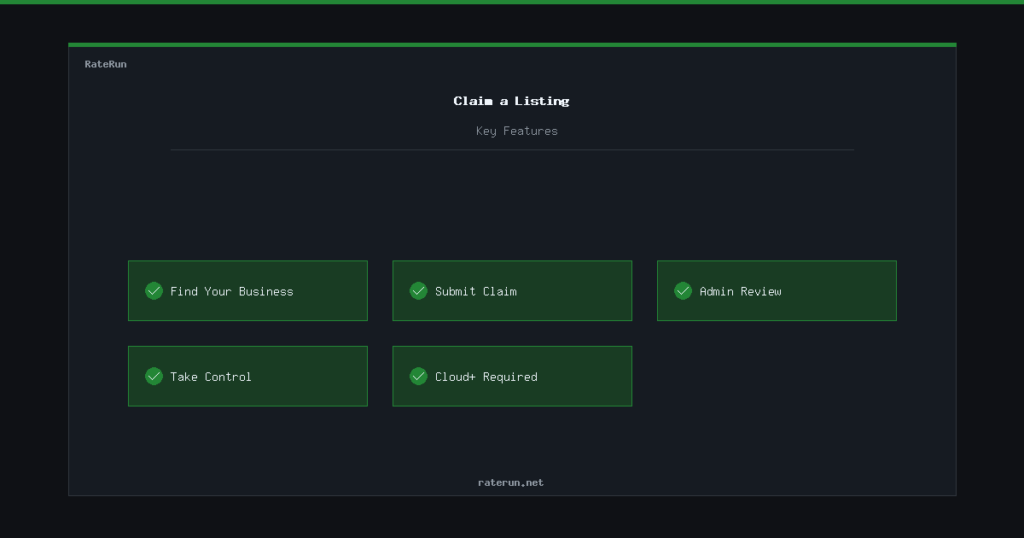
Some businesses are already listed in the RateRun Directory before their owners sign up. These are unclaimed listings — public profiles that exist but have no verified owner. If one of them is yours, you can claim it and take full control.
What is an unclaimed listing?
An unclaimed listing is a business profile that was added to the directory but has no owner attached. It shows the business name, category, and location, but the owner has not verified or taken control of it yet.
Think of it like a Google Business profile that exists before you claim it. The information is there, but you cannot edit it or respond to reviews until you prove it is yours.
Is your business already listed?
Search the directory to see if your business has an unclaimed profile.
Who can claim a listing?
Claiming is available to users on the Cloud or Pro plan. If you are on the Free plan, you will need to upgrade before you can submit a claim. This keeps the process serious and reduces spam claims.
You do not need to be on Pro to claim — Cloud is enough. Pro just adds extras like photo galleries and accent colours once you own the listing.
How to claim a listing
The process is straightforward:
- Find the listing — browse or search the directory for your business.
- Click “Claim This Listing” — you will see this button on any unclaimed listing page.
- Submit your claim — confirm that you are the owner or an authorised representative.
- Wait for admin approval — an admin reviews every claim to verify ownership.
- Take control — once approved, the listing is yours. You can edit all details, respond to reviews, upload gallery images, and manage messages.
Claim your business in minutes
Cloud and Pro users can claim existing listings and take full control.
What happens during review?
When you submit a claim, the admin team checks it. This is a manual process to make sure the right person gets control of each listing. Most claims are reviewed within a day.
If someone else has already submitted a pending claim for the same listing, their claim is automatically rejected when yours is approved. Only one person can own a listing at a time.
After your claim is approved
Once approved, the listing is fully yours. You can:
- Edit everything — business name, description, category, location, contact details, feature tags
- Upload a gallery — showcase your work with up to 10 images (Pro)
- Set an accent colour — brand your listing page (Pro)
- Receive messages — potential clients can contact you through the directory messaging system
- Track reviews — see what people are saying about your business
All of this is managed from the Manage Listing page.
Own your online presence
Claim your listing, update your details, and start receiving enquiries.