 RateRun
RateRun Business Listings: Your Public Profile in the Directory
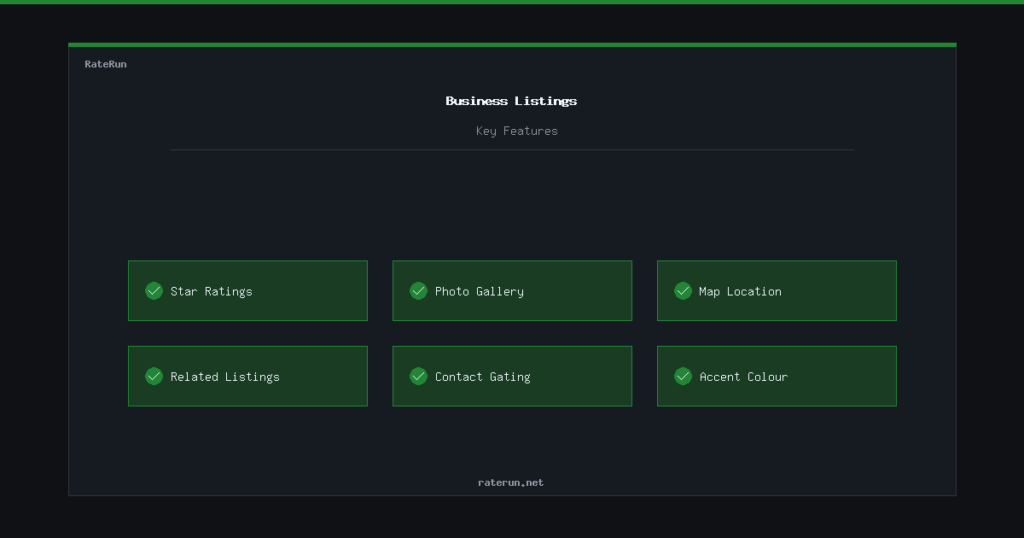
Every business on the RateRun Directory has its own dedicated listing page. This is your public profile — the page potential clients see when they click on your name. Here is everything that appears on a listing and how it works.
Your business profile
Each listing displays the essentials at a glance: business name, category, location, description, and feature tags that highlight what you offer. Feature tags are short labels like “Remote Available”, “Fast Turnaround”, or “Free Consultation” — they help browsers quickly understand what makes you different.
The description is your chance to explain who you are, what you do, and why someone should get in touch. Keep it clear and specific — clients are scanning, not reading novels.
Stand out in the directory
Create your listing with a clear description, feature tags, and contact details.
Reviews and ratings
Every listing has a star-rating system. Logged-in users can leave a review with a 1 to 5 star rating and a written comment. Reviews are public — they show the reviewer’s name, the date, and the full text.
The listing’s overall rating is calculated as an average of all reviews and displayed prominently at the top of the page. More reviews mean more trust. If you are a freelancer, good reviews are the single best way to attract new clients through the directory.
You can also embed your reviews on your own website using the RateRun review widget.
Photo gallery
Pro users can upload a photo gallery to their listing — up to 10 images, 5MB each. This is where you showcase your work. Designers can show portfolio pieces, photographers can display shoots, tradespeople can show completed projects.
The gallery appears as a grid on your listing page. Visitors can click any image to view it full-size. It is a simple, effective way to let your work speak for itself.
Show your work with a Pro gallery
Upload up to 10 images to your listing. Let potential clients see what you can do.
Map location
Every listing with a location displays an OpenStreetMap embed. The map shows exactly where the business is located, which is useful for clients who need someone local or want to understand your service area.
The map is interactive — visitors can zoom, pan, and click through to get directions. No Google Maps API key required, no extra cost. It just works.
Related listings
Below each listing, the directory shows related businesses in the same category and location. This helps visitors discover alternatives and keeps people browsing. If you are listed, it also means you show up as a related listing on other pages — free visibility without any extra effort.
Get discovered through related listings
Your listing appears alongside similar businesses — more exposure with zero effort.
Contact gating
Contact details on listings are gated behind a login. Casual browsers can see the listing, read reviews, and view the gallery — but to see the email address, phone number, or website link, they need to be signed in.
This protects listing owners from spam and scraping, while still making it easy for genuine prospects to get in touch. Creating an account takes seconds and is completely free.
Custom accent colour
Pro users can set a custom accent colour on their listing. This colour is used for headings, buttons, and highlights on the listing page, giving your profile a branded feel that stands out from the default green.
Your profile, your brand
Gallery, accent colours, and premium placement — all part of Pro.