 RateRun
RateRun Directory Messaging: How Clients Get in Touch
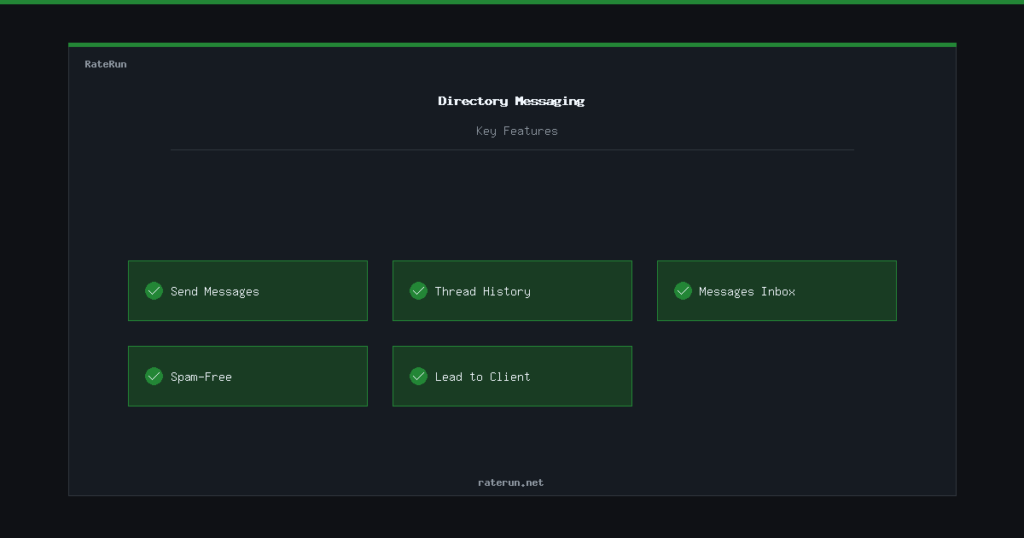
The RateRun Directory has a built-in messaging system. When a potential client finds your listing and wants to get in touch, they can send you a message directly — no need to share your email publicly or rely on external contact forms.
How messaging works
On every listing page, logged-in users see a Send Message button. Clicking it opens a simple form where they can type a message and hit send. That message lands in your Messages inbox inside the directory.
You get the enquiry, the sender gets confirmation it was delivered, and both sides can continue the conversation from the messages page. No email addresses are exposed until you choose to share them.
Get enquiries straight to your inbox
Clients message you directly from your listing. No spam, no exposed emails.
Message threads
Messages are organised into threads. Each conversation between you and a potential client is its own thread, so nothing gets mixed up. You can have multiple active conversations at once and easily switch between them.
Each thread shows the full history of messages exchanged, with timestamps. You can reply directly from the thread view — type your response and send. It is a straightforward back-and-forth, similar to any chat interface you have used before.
Your messages inbox
All your conversations live in the Messages section of the directory. The inbox shows a list of all threads, with the most recent messages at the top. You can see at a glance who messaged you, when, and a preview of the latest message.
Click any thread to open the full conversation and reply. It is designed to be quick — check your messages, respond, and get back to work.
Never miss a lead
All your client enquiries in one place. Reply fast and win the work.
Who can message you?
Any logged-in user can send a message to a listing owner. Creating an account is free and takes seconds, so the barrier for potential clients is very low. This keeps spam out while making it easy for genuine prospects to reach you.
If you are browsing the directory yourself — say you want to hire a designer or subcontract some work — the same system works in reverse. Find a listing you like, send a message, and start the conversation.
From message to client
Once you have exchanged a few messages and agreed on a project, you can move the relationship into the RateRun app. Add them as a client, create a project, start the timer, and bill them with a professional invoice. The directory brings the leads — the app handles the work.
Directory leads, app delivery
Find clients in the directory, manage the work in the app. Everything in one place.