 RateRun
The RateRun Income Log: Track Every Payment You Receive
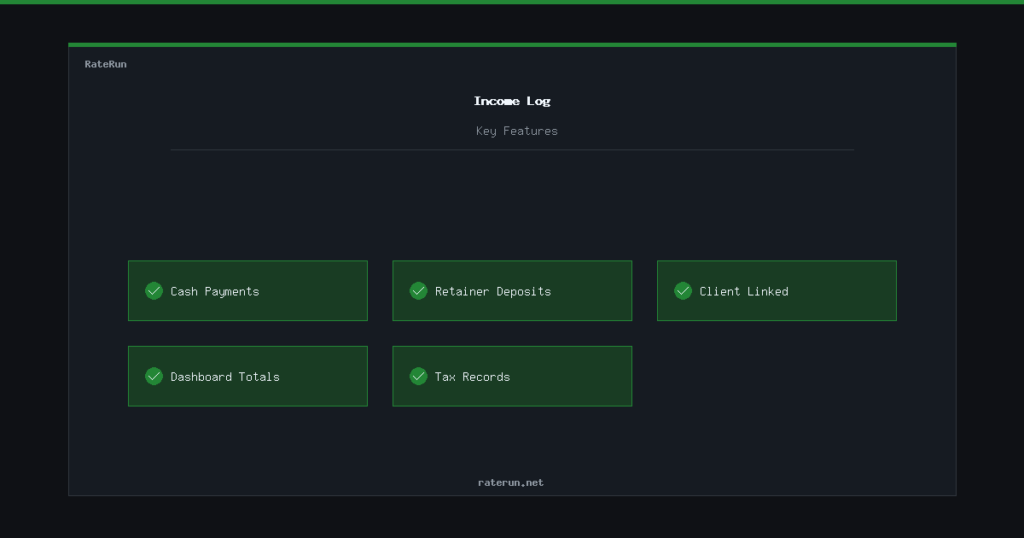
Not every payment comes through an invoice. Maybe a client pays cash for a quick job, you get a referral bonus, or someone pays a deposit before any work starts. The Income Log is where you record all of that.
What the income log is for
The income log captures payments that don’t originate from an invoice. It gives you a place to record one-off payments, retainer deposits, and anything else that puts money in your pocket but does not go through the usual timer-to-invoice workflow.
Each entry has a date, amount, description, and optional client link. Simple and fast — just log it and move on.
Invoice income vs logged income
RateRun tracks income from two sources: paid invoices and income log entries. Both feed into your dashboard, so you see your total income regardless of how the money came in.
This dual approach means your financial picture is always complete. The freelancer who invoices 80% of their work and gets paid cash for the rest still sees accurate totals.
Keeping accurate records
At tax time, having a complete income record is essential. The income log, combined with your invoice history and expense tracking, gives you everything your accountant needs without digging through bank statements.
You can filter by date range and client to pull reports for any period. Need last quarter’s income? Filter, total, done.
Tax time sorted
Income, invoices, and expenses — your accountant will thank you.
How it fits together
The income log is one piece of a bigger picture:
- Timer — track your hours
- Invoices — bill your clients
- Income log — record everything else
- Expenses — track what you spend
- Dashboard — see the full picture
Each piece feeds the next. Together, they give you a complete view of your freelance finances.
The complete freelance money trail
Track it, bill it, log it, spend it — all in RateRun.