 RateRun
Timer Sessions and History in RateRun: Your Complete Work Record
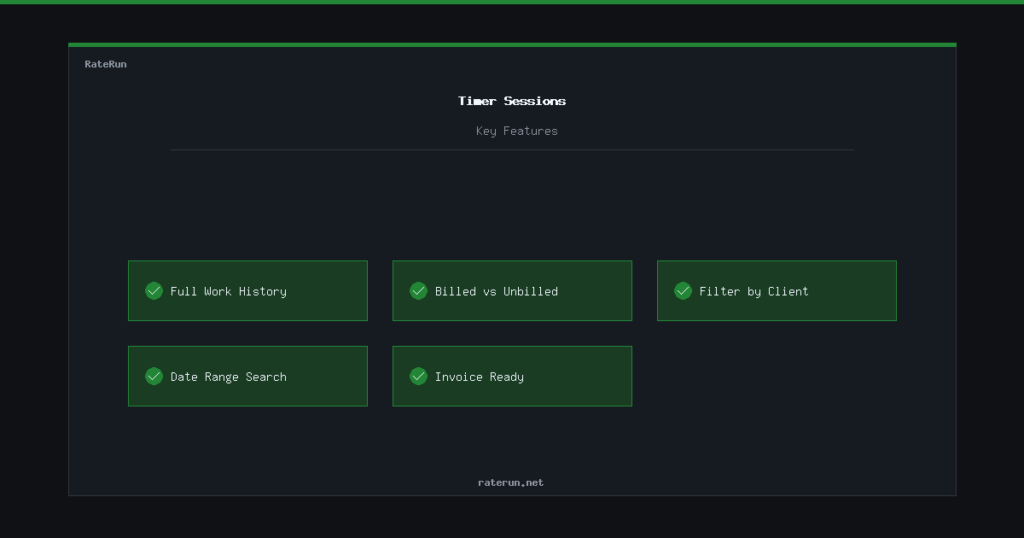
Every time you start and stop the timer, a session gets saved. The Timer Sessions page is where all those sessions live — a searchable, filterable record of every hour you have worked.
Your complete work history
The session list shows every entry: date, client, project, duration, hourly rate, and total earned. Live-tracked sessions and manual entries sit side by side — there is no difference in how they are stored or displayed.
Sessions are sorted by date with the most recent at the top. You can scroll back through weeks and months of work to find anything you need.
Every hour accounted for
A full record of your tracked time — searchable and filterable.
Billed vs unbilled
This is the detail that ties sessions to invoicing. Each session has a billing status: unbilled or billed. When you pull sessions into an invoice, they automatically switch to billed.
You can filter the list to show only unbilled sessions — a quick way to answer “how much uninvoiced work is sitting on the table?” If the number surprises you, it is probably time to send some invoices.
Search and filter
As your session history grows, finding specific entries matters. You can filter by:
- Client — show sessions for one client only
- Project — drill down to a specific project
- Date range — pick a start and end date
- Billing status — billed, unbilled, or all
Need to know how many hours you spent on a project last month? Filter by project and date range — the total is right there.
How sessions feed the bigger picture
Timer sessions are not just a log — they power your entire workflow:
- Dashboard — your dashboard calculates hours worked and billable value from sessions
- Invoices — unbilled sessions get pulled directly into invoices
- Income — once an invoice is paid, the session value flows into your income log
Track your time consistently and everything else in RateRun stays accurate automatically.
Sessions power everything
Dashboard, invoices, income — all driven by your tracked time.